
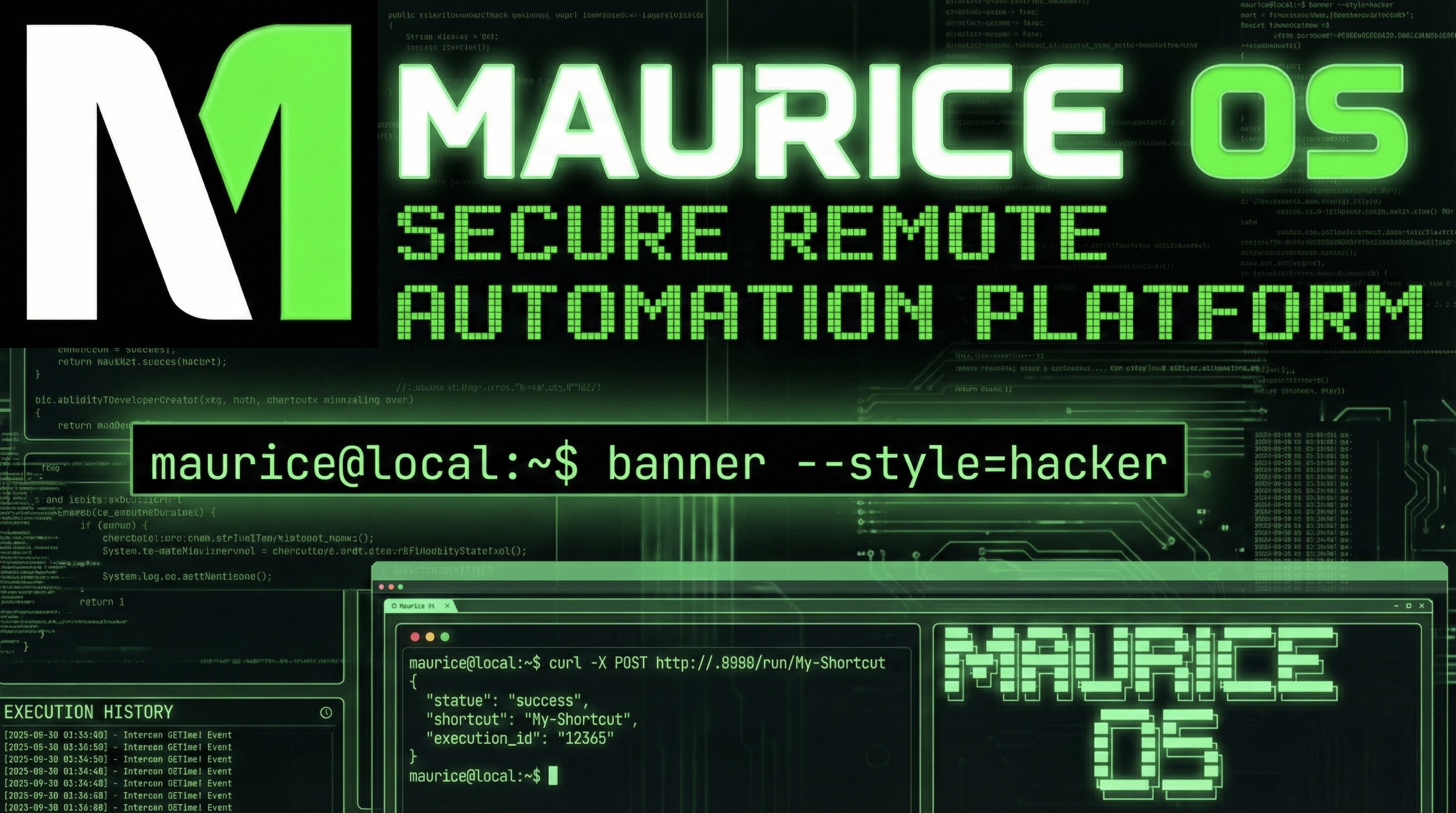
Everyone has one. An old iPhone sitting in a drawer, fully functional, collecting dust. Maybe it was replaced during an upgrade cycle, maybe the battery isn't what it used to be, or maybe it just lost the race against a newer model. Either way, it still connects to WiFi, still runs Shortcuts, and still has years of software updates ahead of it.
Maurice OS turns that forgotten device into a dedicated home automation server. No jailbreak, no hacks, no subscriptions. Just one app that transforms your entire Apple Shortcuts library into a programmable, schedulable, API-driven automation platform.
The Core Idea: Your Shortcuts Are Now APIs
This is the part that changes everything. The moment you register a shortcut with Maurice, it gets a REST endpoint. That means your Mac, Home Assistant, Node-RED, IFTTT, Zapier, or anything else that can hit a URL can now trigger any Apple Shortcut on demand, with parameters, on a schedule, or as part of a larger workflow.
Maurice runs a lightweight web server directly on the device. Every registered shortcut becomes callable:
curl -X POST "http://
Pass parameters as JSON. Trigger workflows remotely. Pause or resume schedules. Full API documentation is served from the device itself. Your spare iPhone becomes a first-class citizen in your home automation stack.
Scheduling That Actually Works
If you have ever tried to rely on iOS Shortcuts Automations for anything precise, you already know the limitations. Maurice replaces that with a real scheduling engine. Set any shortcut to run at specific times, on intervals as tight as every five minutes, filtered by day of week or specific days of the month, within time windows like 9 AM to 5 PM, or between defined start and end dates.
You can stack multiple schedules on a single shortcut, preview upcoming runs before committing, and pause, resume, skip, or run immediately from either the app or the web dashboard. It is the kind of scheduling reliability that iOS simply does not offer natively.
Workflow Chains
Individual shortcuts are useful. Chaining them together is where things get powerful. Maurice lets you build workflow chains with configurable delays between steps. A morning routine might turn on lights, wait 30 seconds, start the coffee maker, wait another minute, then play the news. A nightly backup could export health data, sync files, then send a summary email.
Complex automations built from simple building blocks, executed in sequence, completely hands-free.
GoTime: Know Exactly When to Leave
GoTime is Maurice's built-in travel intelligence system, and it quickly became the feature I check every time I walk out the door. It calculates exactly when you need to leave for any event using live traffic data from MapKit and accounts for real-world buffers like parking, walking to the entrance, or getting through security.
Live countdown timers update every second with color-coded status. Green when you are cruising, yellow when it is time to get ready, red when you need to go now. The Next Up hero card gives you a glanceable departure countdown at all times.
GoTime also integrates with your calendar, so events with locations flow directly into travel plans. It tracks ETA history with sparkline charts, supports one-tap navigation into Apple Maps, and is fully accessible through Siri and App Intents so you can ask for your next departure time without ever opening the app.
If you have read about GoTime! on this blog before, think of this as GoTime fully integrated into a larger automation ecosystem.
When Automations Fail
Automations break. That is a fact of life. Maurice makes sure you know about it before things spiral. Full execution logging tracks every run with timestamps, success or failure status, and error details. Configurable failure alerts send email notifications with one-tap links to pause a specific schedule or pause everything. Retry policies with exponential backoff handle transient failures gracefully, and schedules auto-disable after repeated failures so a broken shortcut does not hammer your system forever.
Reliability is not a feature you notice when it works. You notice when it is missing.
The Web Dashboard and Terminal
Maurice serves a full web dashboard accessible from any browser on your network. Monitor live stats, view success rates, see countdown timers to upcoming runs, browse execution history, and control schedules remotely from your Mac, iPad, or another phone. You never need to pick up the automation server itself.
For those who prefer a command line, Maurice also includes a fully functional terminal interface with a hacker-aesthetic design. Run /status for a live system overview, /neofetch for device info, /stats for execution metrics, or /gotime for a quick travel check. And because every good system needs personality, /matrix drops you into a full-screen Matrix rain animation.
Built for a Spare iPhone
Your main phone goes where you go. An automation server should be always on, always connected, always available. That old iPhone already has reliable WiFi, full Shortcuts support, access to your Apple ecosystem, and years of software updates remaining. Plug it in on a shelf, install Maurice, and it becomes a dedicated home automation hub.
No cloud dependency. No monthly fees. No account required. One app on a device you already own.
Bonus: Static Site Hosting
Maurice also doubles as a lightweight web server. Host static sites directly from the device with Bonjour discovery, CORS support, directory listing, and proper MIME type handling. There is even a Flask-to-static converter that parses Python Flask projects and outputs clean, servable HTML. It is a small feature, but for anyone tinkering with local web projects, it is surprisingly handy.
What Comes Next
Maurice is part of a larger vision. On the iOS side, it handles Shortcuts execution, scheduling, webhooks, and workflow chains. On the Mac side, Maurice for Mac handles whole-home audio, text-to-speech, AI services, media control, and display casting across 18 Chromecast devices. The two systems complement each other naturally. Maurice triggers the shortcuts, Maurice for Mac handles the output. One runs on a spare iPhone, the other on a Mac Mini. Both are always on, both serve web interfaces, both speak HTTP and JSON.
This is home automation built the way I actually want to live with it: practical, private, programmable, and built for a family that automates everything.