

GoTime! started in the middle of my beautifully chaotic life. My wife and I were constantly trying to figure out when we actually needed to leave for games, and with two teenage boys and a soon to be teenage girl all in sports, that wasn't always easy. Some Coaches wanted us there 45 minutes early, some a full hour, and often I just wanted to know what time we needed to leave so I could grab a coffee on the way.
Between traffic, warm ups, and kids who always seem to need “one more thing” before we walk out the door, it became pretty clear that no family should have to juggle all that mental math on their own.
GoTime!'s November update builds directly on that original spark with a major focus on making the whole experience feel easier and more natural. Instead of tapping through steps, the new conversational interface lets you simply say or type what you are trying to plan. Since GoTime! uses on device intelligence, your data stays private and secure, never leaving your phone.
Private On Device Foundation Models
GoTime! is now powered by Apple’s Foundation Models for event creation, which brings fast, private, on device intelligence to the planning experience. By using Apple’s new Foundation Models framework, GoTime! can understand natural language, extract scheduling details, and compute leave times directly on your device.
Whether you are adding a tournament, a single game, a practice, or a last minute schedule change, you can describe it naturally and GoTime! transforms it into a complete, optimized plan. No cloud processing, no waiting, just smart, privacy first event creation built into iOS.
New Features
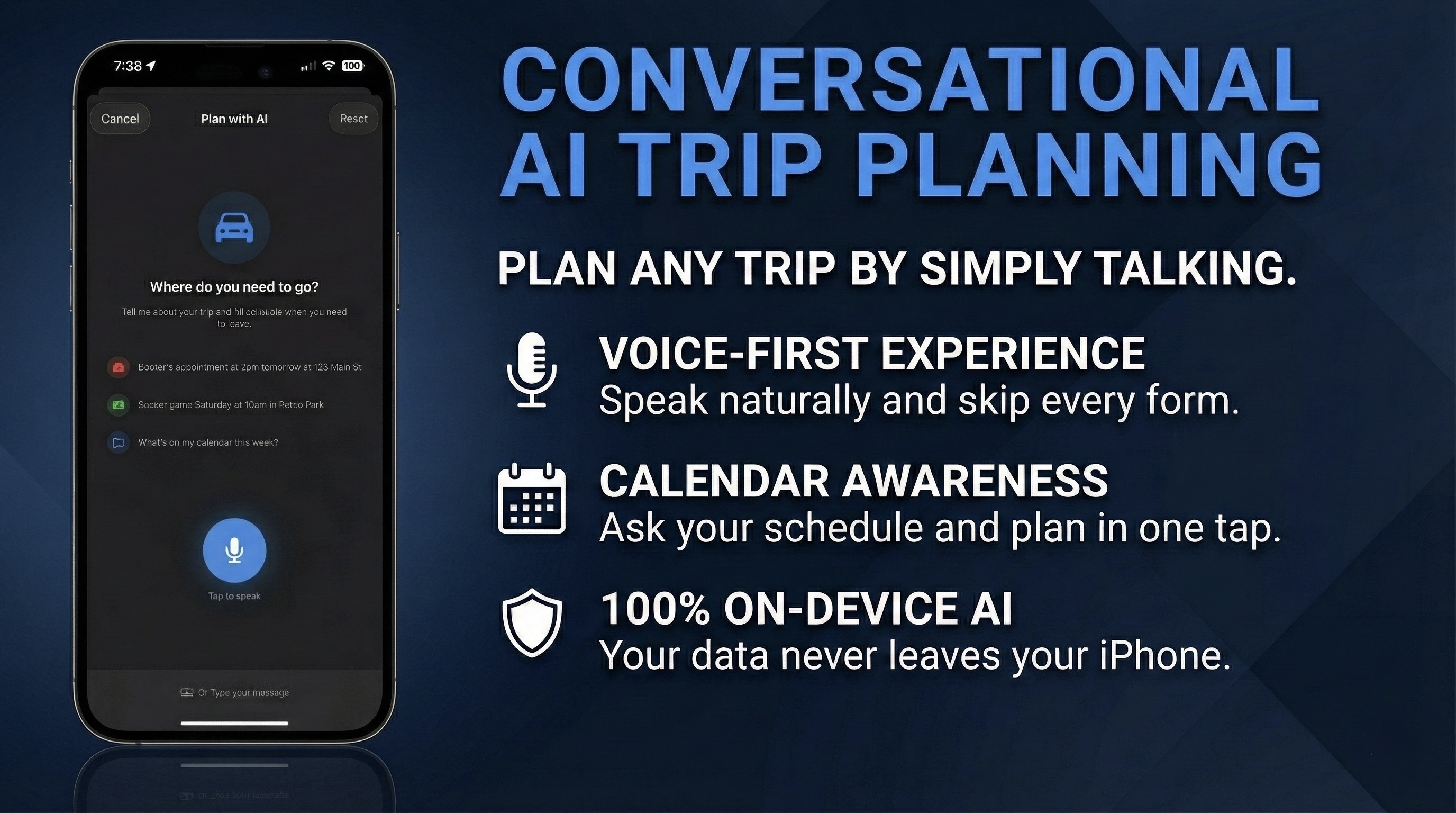
Conversational Trip Planning
The heart of this update is a planning flow built around how families actually communicate. You can describe your weekend, list out game times, mention locations, or ask when you should leave. GoTime! responds naturally and builds the plan right alongside you.
It grabs the important details, fills in the timeline, asks helpful follow ups only when needed, and handles the messy parts you would normally calculate in your head. It really shines on tournament days when you have multiple games in different gyms with different arrival expectations.
Incremental Data Collection
GoTime! also handles those moments when you remember a new appointment while you are in the middle of doing something else. It collects the details one step at a time and keeps the conversation easy.
- Turn 1: "I need to go to the dentist tomorrow"
- Extracted:
title="dentist", date="tomorrow" - Response: "Got it. What time is your dentist appointment?"
- Extracted:
- Turn 2: "2:30"
- Extracted:
time="2:30" - Response: "And where is your dentist located?"
- Extracted:
- Turn 3: "123 Main Street"
- Extracted:
destination="123 Main Street" - Response: "Perfect. I have your dentist appointment tomorrow at 2:30 PM. Tap Review Plan when you are ready."
- Extracted:
It feels natural because it works the way real conversations do.
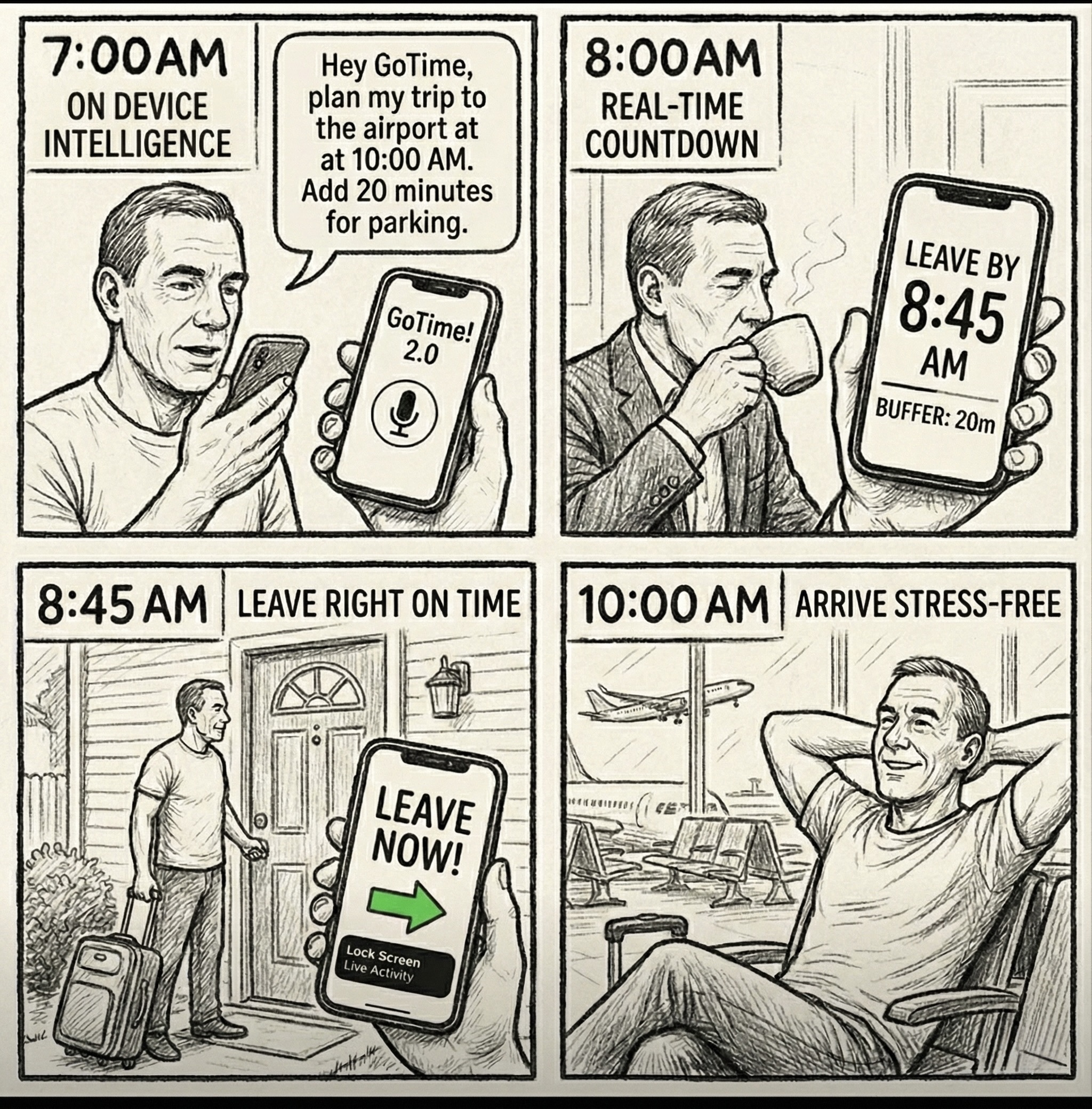
Voice Input for Busy Moments
With the new voice input, you can plan while loading the car, walking into the gym, or herding everyone out the door. Tap the big microphone button, speak normally, and GoTime! takes it from there.
Calendar Integration
A lot of planning starts with something simple like checking what is already on the calendar. GoTime! can now read your weekend at a glance and talk to you about it just like a real conversation.
User Input: "What is on my calendar this weekend?"
The model sees your schedule and replies in a friendly, natural way.
"You have two events this weekend. Soccer practice on Saturday at 10 am, and a birthday party on Sunday at 2 pm."
Improvements
Smarter Location Selection
Finding the right gym or school is half the battle. The updated location picker makes it easier to search, preview, and confirm so your plan always lines up with where you need to be.
Easier Sharing and Importing
Whether you are coordinating with your partner or sharing a schedule with another parent, sending plans is simpler. Share a quick image or a full GoTime file for someone to load on their own device.
Cleaner Backgrounds and Personalization
You can now adjust, zoom, and preview background photos more easily, which helps your trip summaries look the way you want before sharing.
Smoother Editing
The planning screens now fill in known information automatically and feel smoother whether the plan came from manual entry or the conversational assistant.
Privacy & Performance
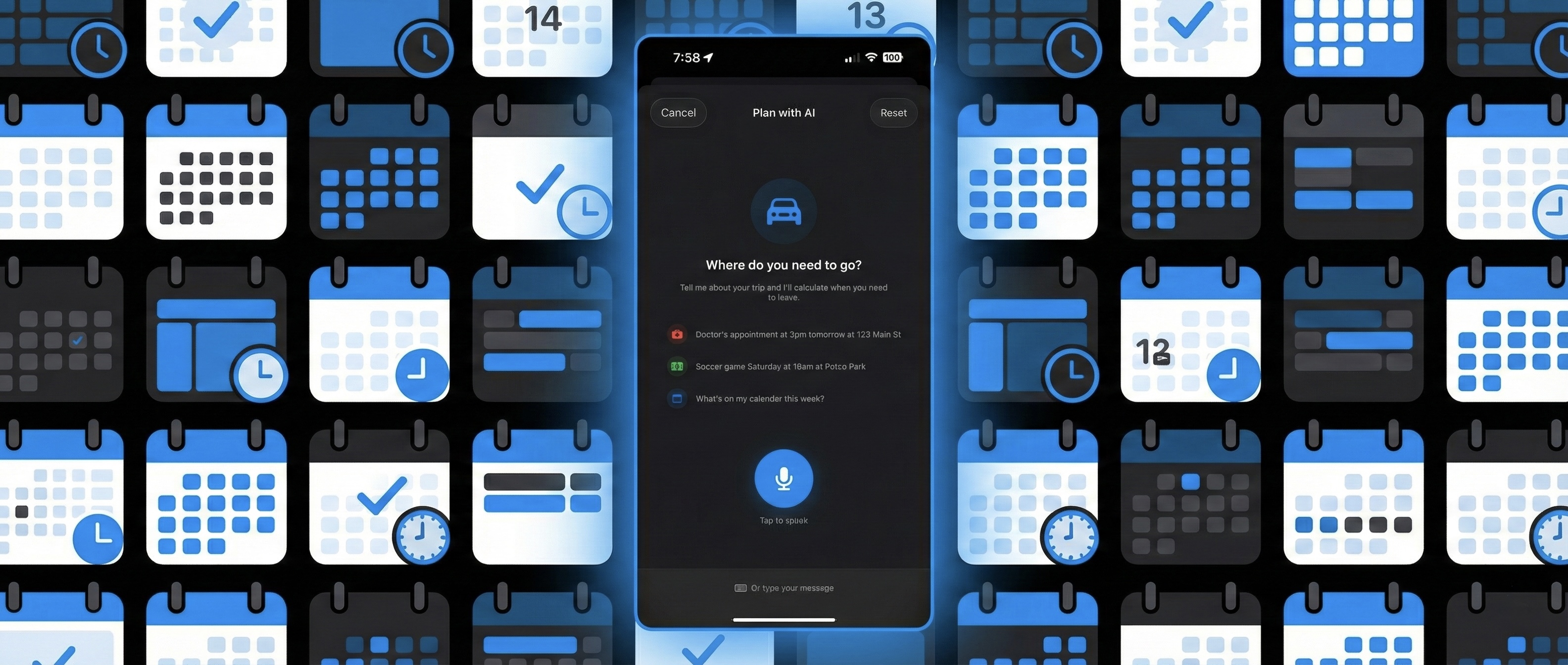
Private and Performant
- Low latency - responses typically under 500ms
- Battery efficient - leverages Apple Silicon neural engine
- Memory optimized - session management prevents context bloat
- On-Device Processing
- Zero network calls for AI inference
- Works offline - full functionality without internet connectivity
Behind all these features is one tired but determined parent trying to keep life organized, and hopefully helping you do the same.